Dashboard shows where the project stands. It is one page for the readout and for every check-in after it.
Where: Dashboard, at the top of the menu.
What is on it
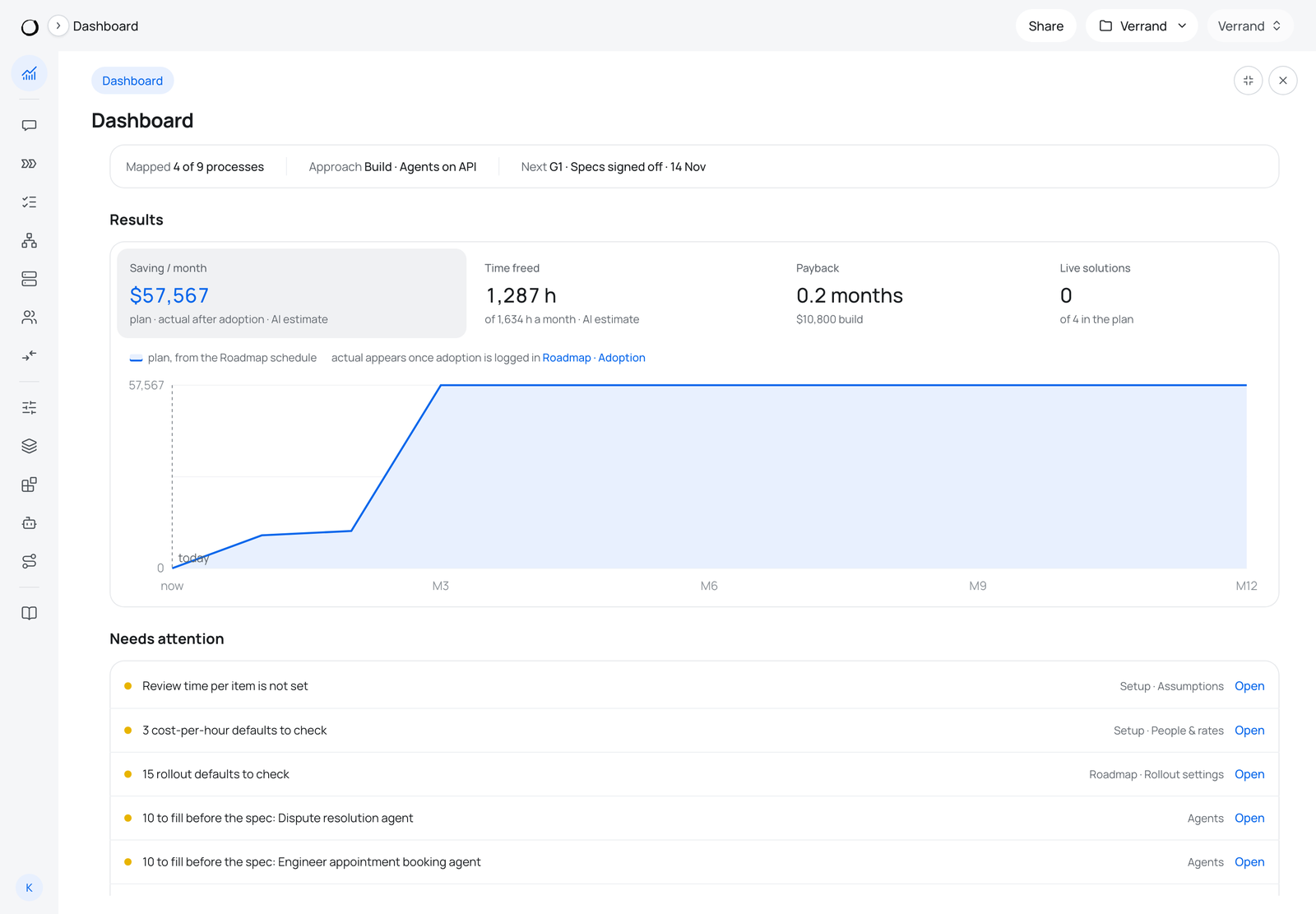
- A status line: how many processes are mapped, the approach, and the next gate with its date.
- Results: saving a month, time freed, payback and live solutions. The plan line comes from the Roadmap schedule; the actual line appears once adoption is logged.
- Needs attention: every default still to check and every agent section still to fill, each with a link to where it is fixed.
- Rollout per solution: Spec · Build · Test · Pilot · Live.
- Where a person stays: every step that keeps a person, with the minutes and the reason.
Reading it
Needs attention is the work list. A plan built on unchecked defaults — hourly costs, people counts, review time — gives figures nobody can defend at the readout, and every line there says where to fix it.